Post a Deal, keep the sale, skip the delivery-app cut
 Gopher Team·Sep 12, 2026·4 min read
Gopher Deals is free to list, the customer buys from you directly, and a local Gopher brings the order to their door without taking a slice of it. Here's how it works and how to get listed.
Every delivery-app pitch starts with reach and ends with a percentage. Gopher Deals starts with reach and stops there.
What a Deal is
A Deal is an offer you post — two lattes for the price of one, ten percent off a first pressure wash, a Tuesday pizza special. Listing is free. Every neighbor, Gopher, and business on Gopher sees it, and so does anyone browsing the web. When a customer wants it, they buy from you directly in Gopher's web view. You keep the customer, the pricing, and the profit.
The last mile, without the bite
If the customer wants it delivered, they tap once more and a local Gopher picks it up. The customer pays the Gopher's trip price plus Gopher's small fee. You pay nothing on the order and nothing for the trip. That's the difference between a Deal and the up-to-30% a delivery app takes off the top — we wrote the whole comparison up in Restaurant delivery without the 30% bite.
How to get listed
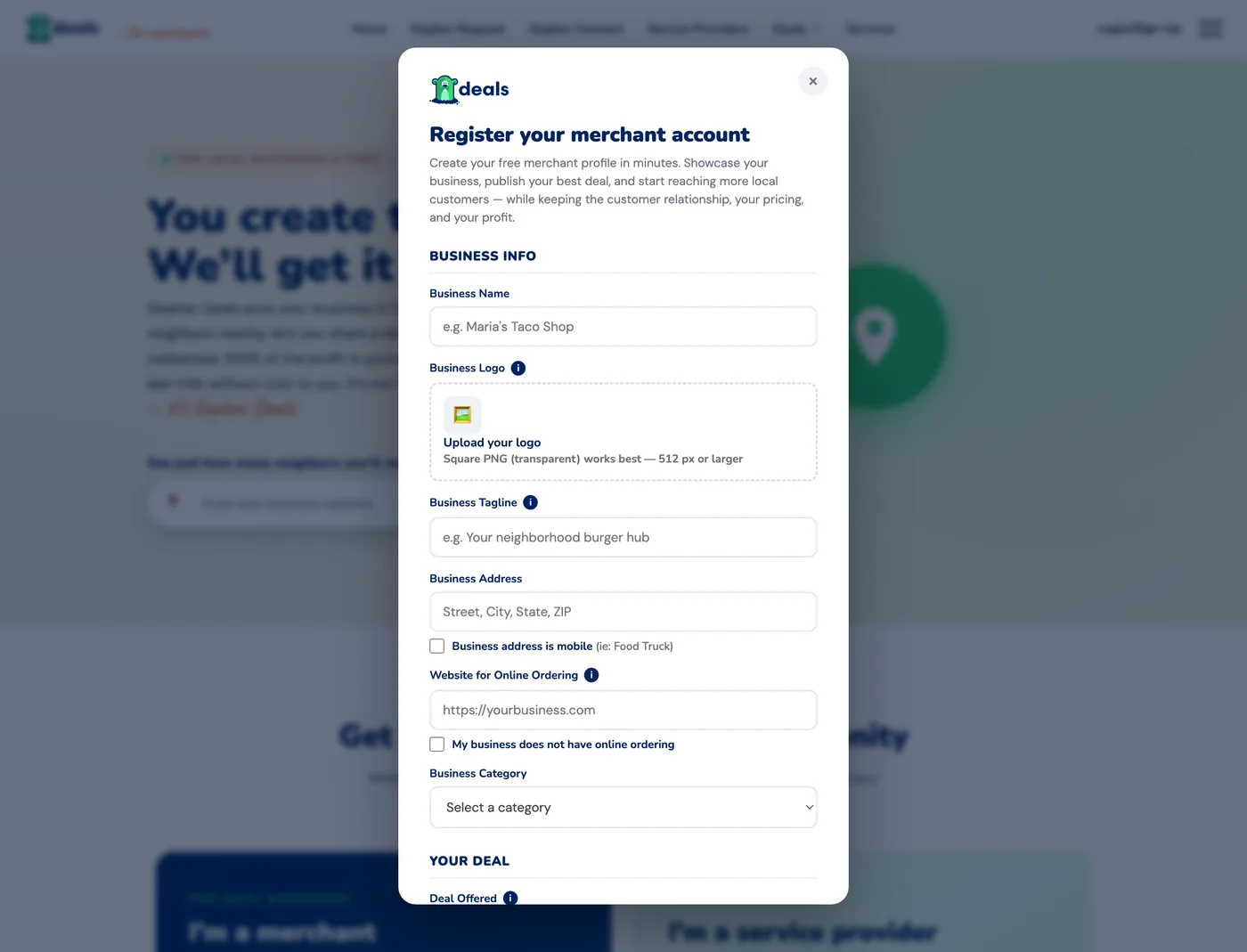
Register
One form, three parts: your business, your first Deal, and the owner details that become your Gopher login.
Verify it's you
Registering creates a real Gopher account, so we confirm how to reach you, starting with your mobile.
Activation
Our team reviews every submission and gives you an activation date within five business days.
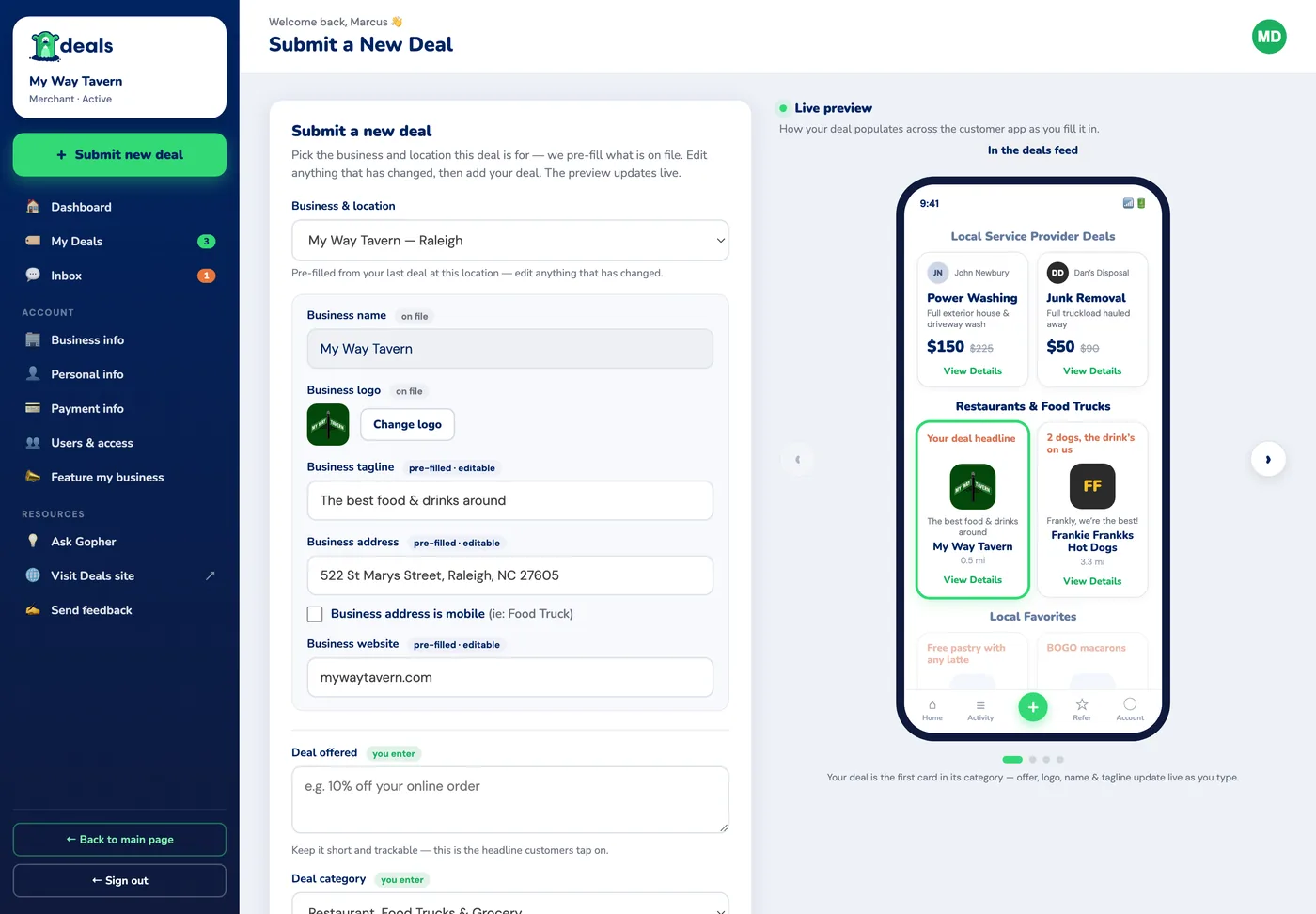
Your portal
Sign in with a one-time code to submit new Deals, watch them go live, and reach us through your inbox.
Want the top spot?
Featured placement on the Request and Connect home pages is optional and bid-based. Bidding is free; only winning costs, and you're charged on the closing day. If you never bid, your Deals still show everywhere Deals show.
One shop, two hats: post a Deal as a merchant, then hire a driver for Friday night as a business on Connect. Same account. See how all four hats fit together →
Put your best offer in front of the neighborhood.
You create the Deal. We get it seen. You keep the customer, the pricing, and the profit.